
Creator review
Ship scroll-stoppingadsinminutes
Describe it → Pick a format → Generate
One-time $1 trial for 7 days · No subscription · no auto-renewal · upgrade when ready
Made with adm8
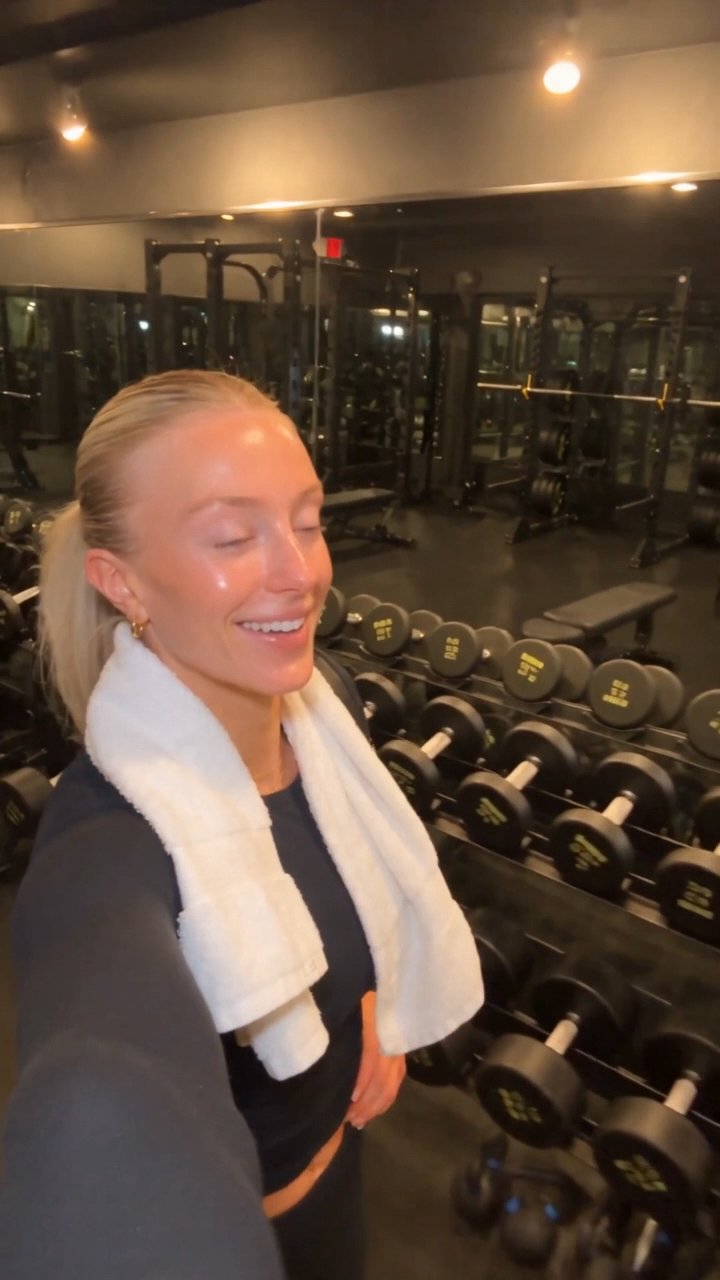
Gym vlog · UGC
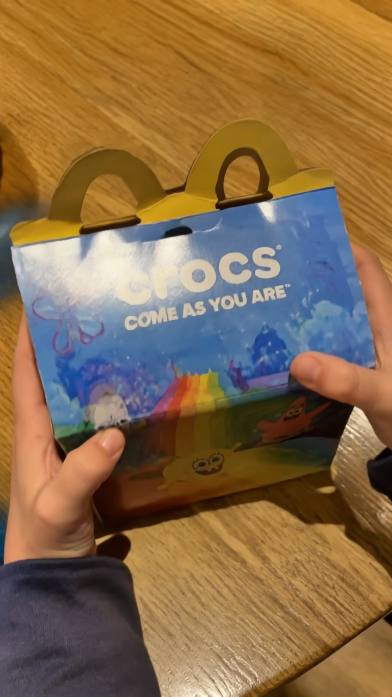
Unboxing
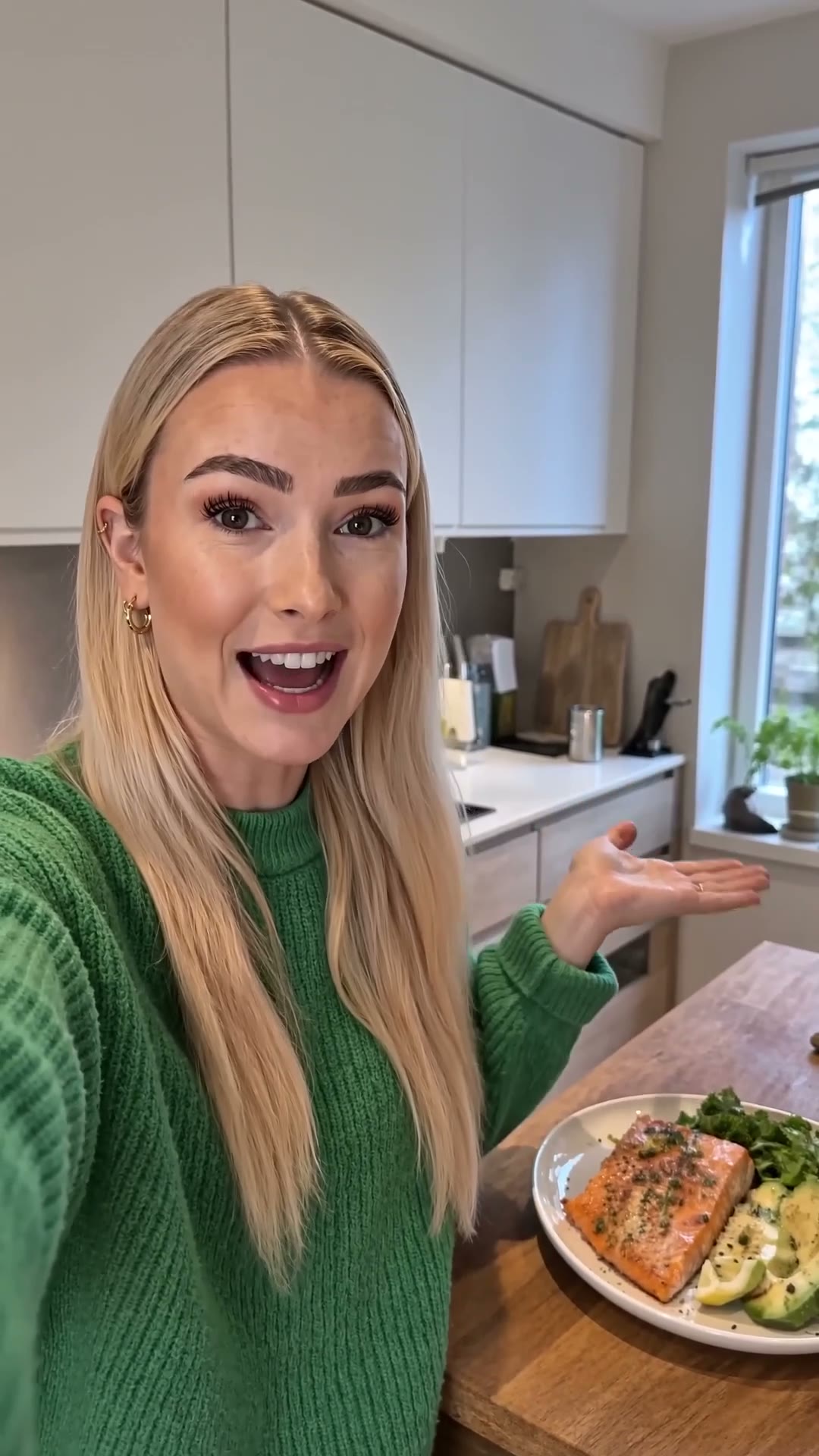
Home cooking
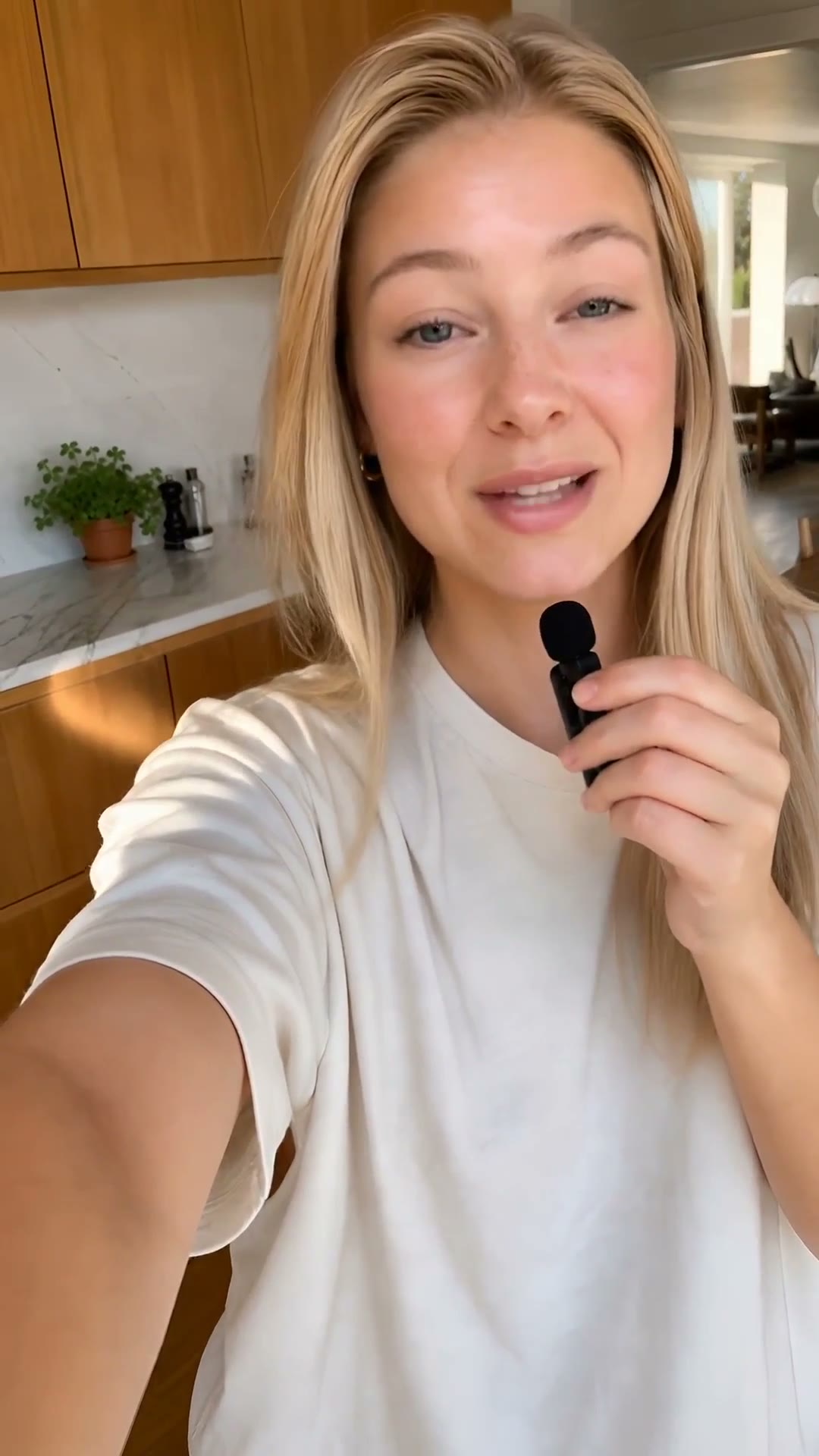
Testimonial

Product reveal

Real footage

Photo-real
Sports broadcast
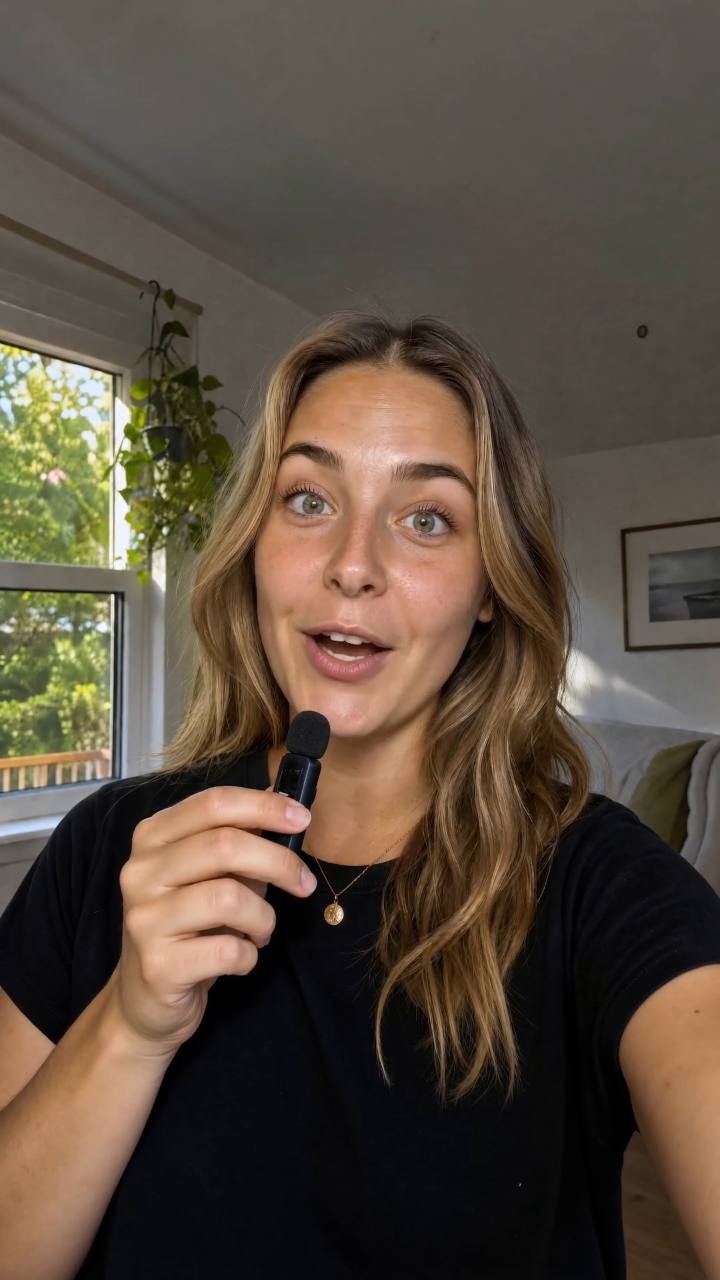
The facts
Built for teams
that ship.
4K
Top output resolution across images and video
9:16
Native vertical, square, and widescreen formats
$1
7-day trial · ≈18 images or 5s video
Capabilities
Three things adm8
does well.
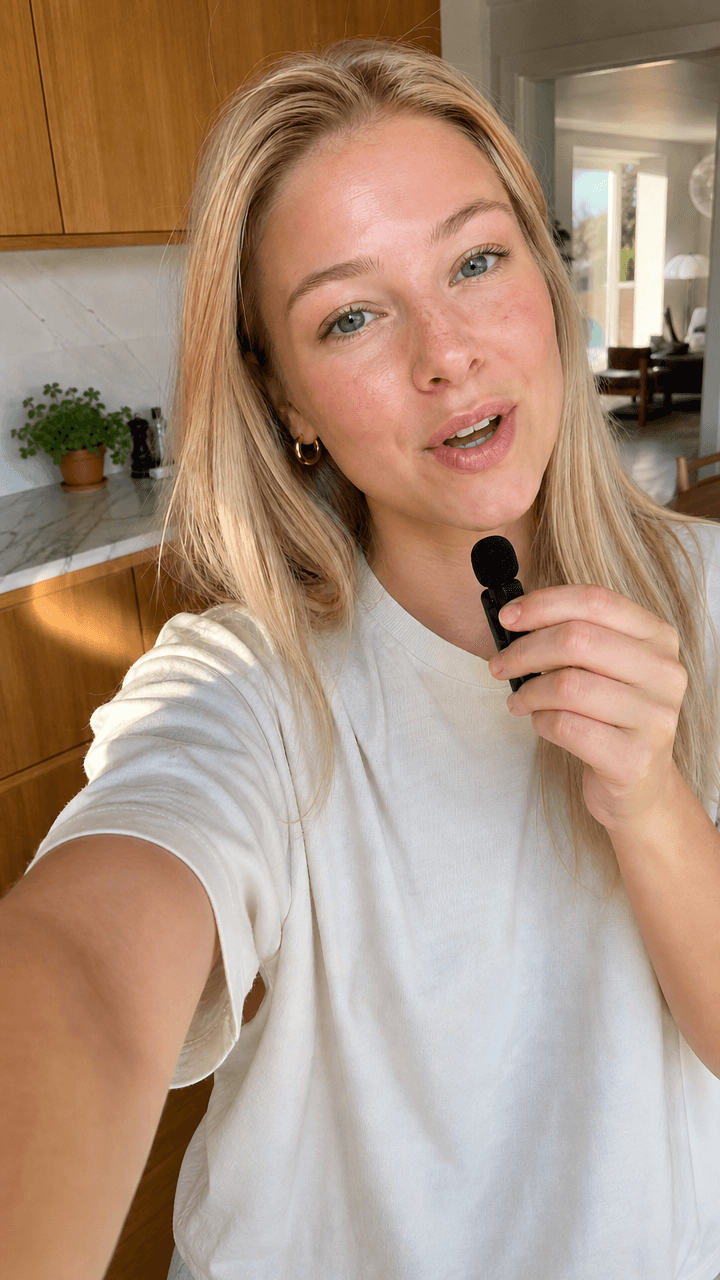
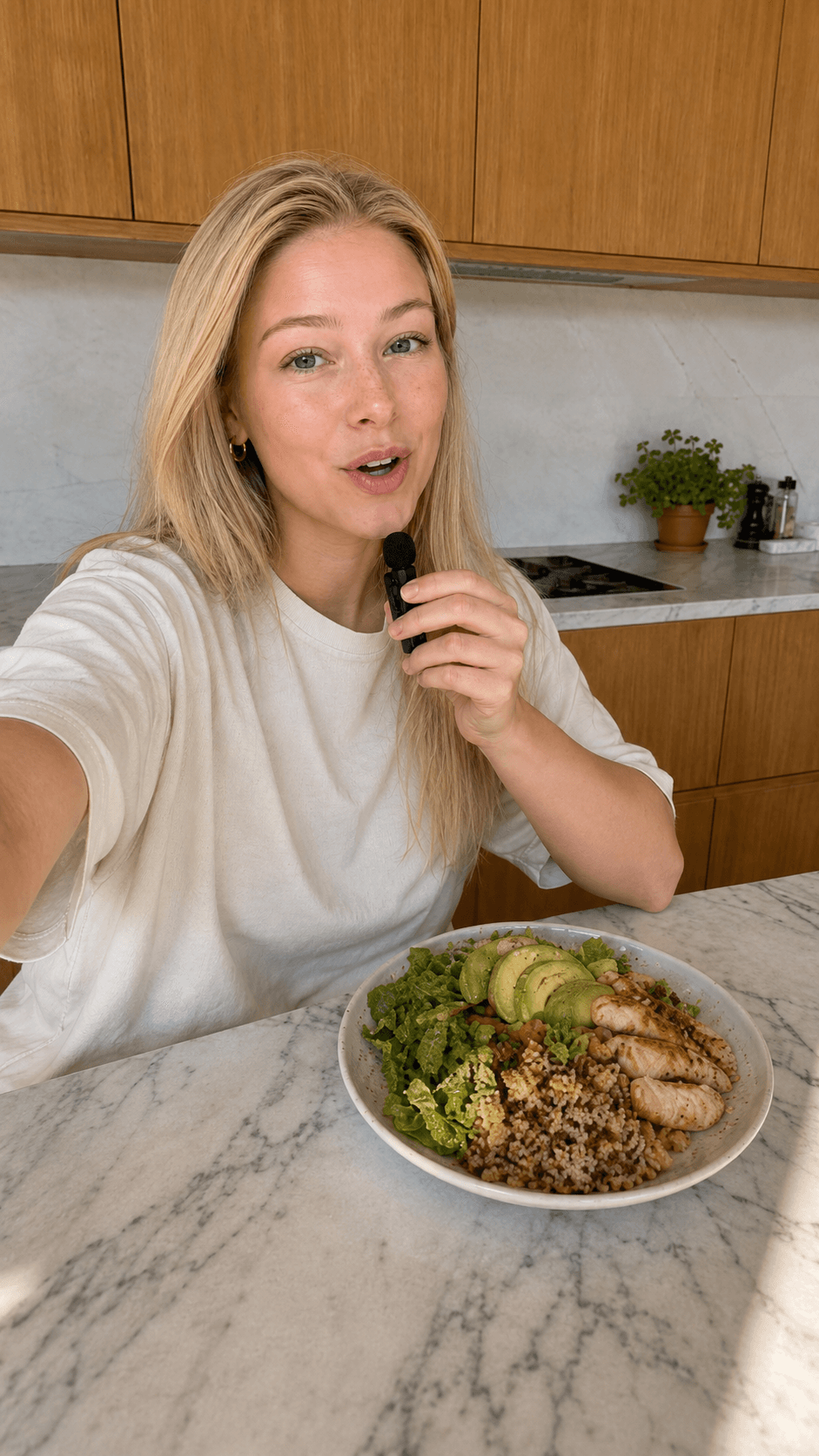
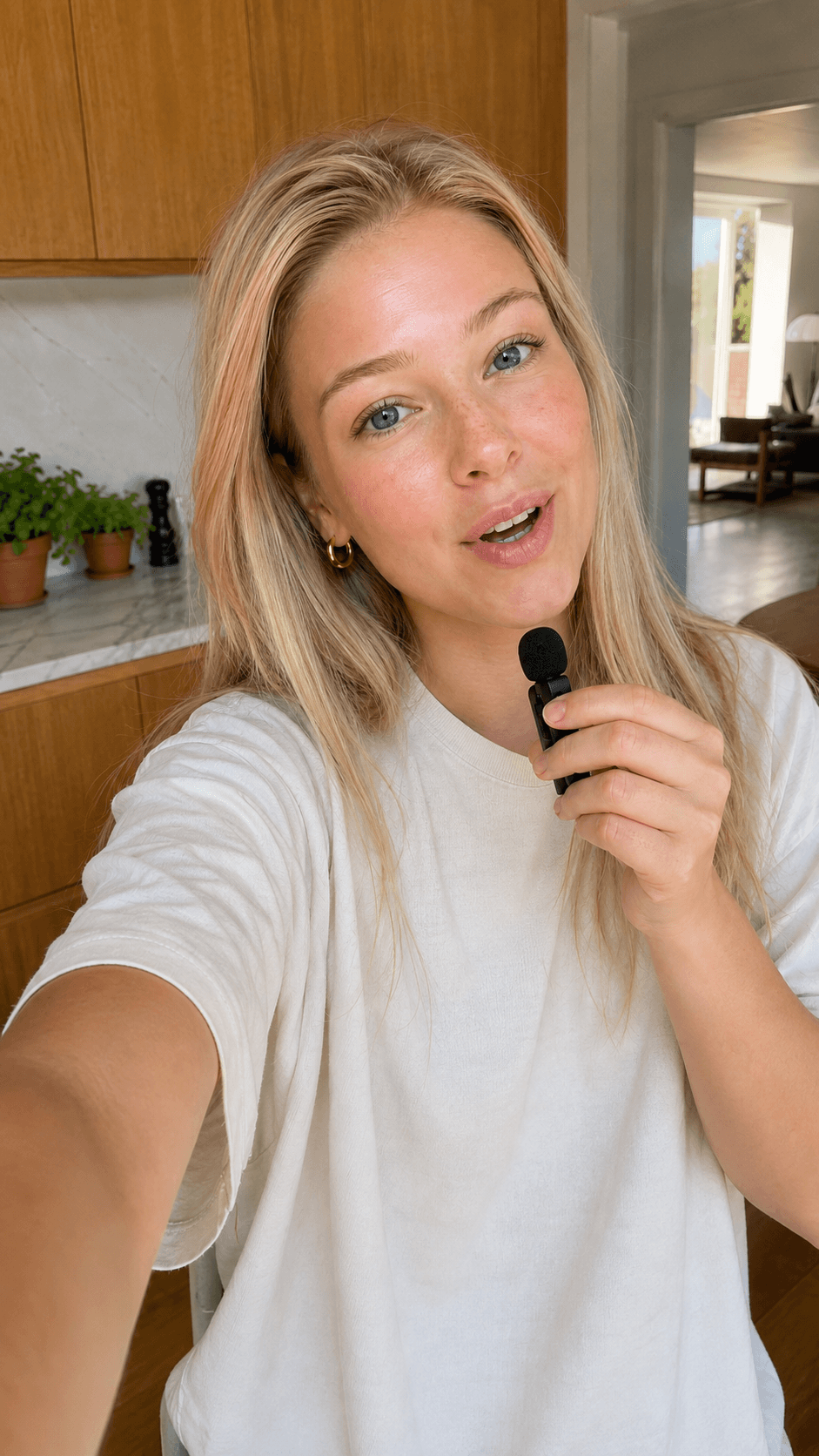
Everything below is real output, generated in Studio — not stock, not mockups.

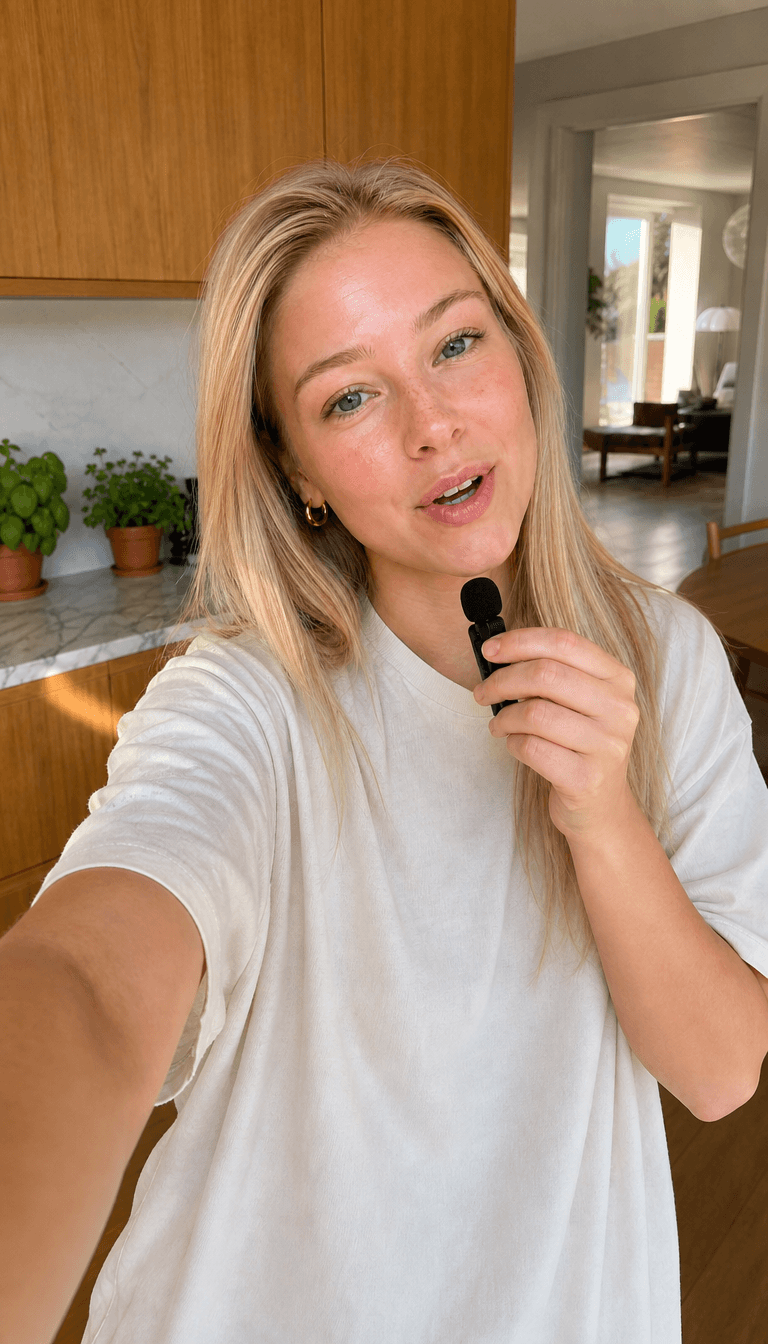
How it works
A photo in. A moving moment out.
1
photo in
5s
clip out
9:16
native vertical
01
Start with a photo
Upload a phone shot, a product still, a frame from a shoot. Anything you can drop into a file picker.
02
Watch it move
The same composition becomes a short clip — same subject, same light, brand-safe motion.
03
Ship what performs
Push the clip to every channel, then run the same reference back for the next variant.
Generated clip
Input photo
The workspace
Not a prompt box.
A production line.
Real screenshots of the actual workspace — the same rooms you get on day one.
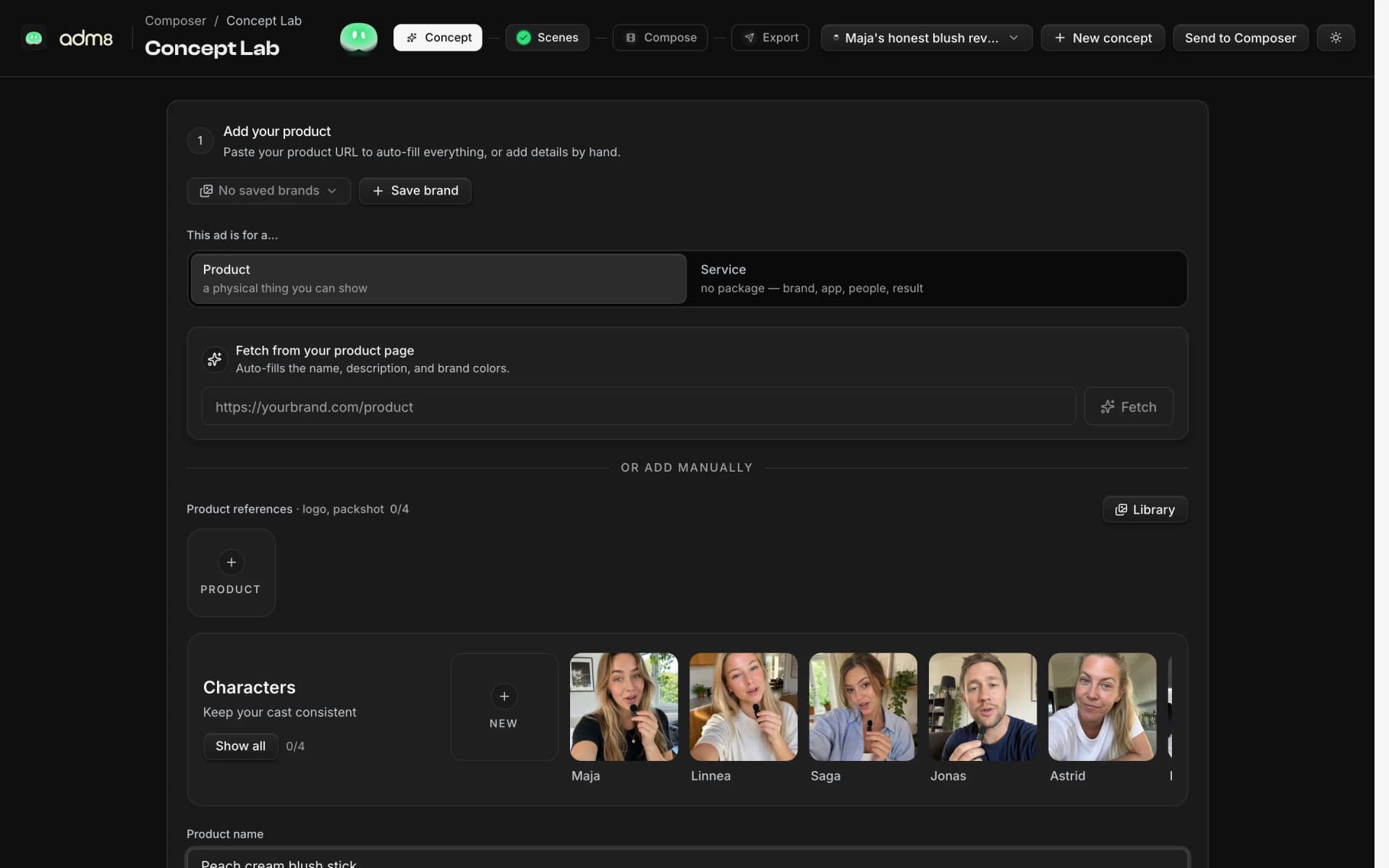
Concept Lab. Lock the concept.
storyboard · cast lock · brand references
Describe the product, pick a cast, and approve a storyboard — every video scene stays anchored to it, so the ad can't drift off-brief.
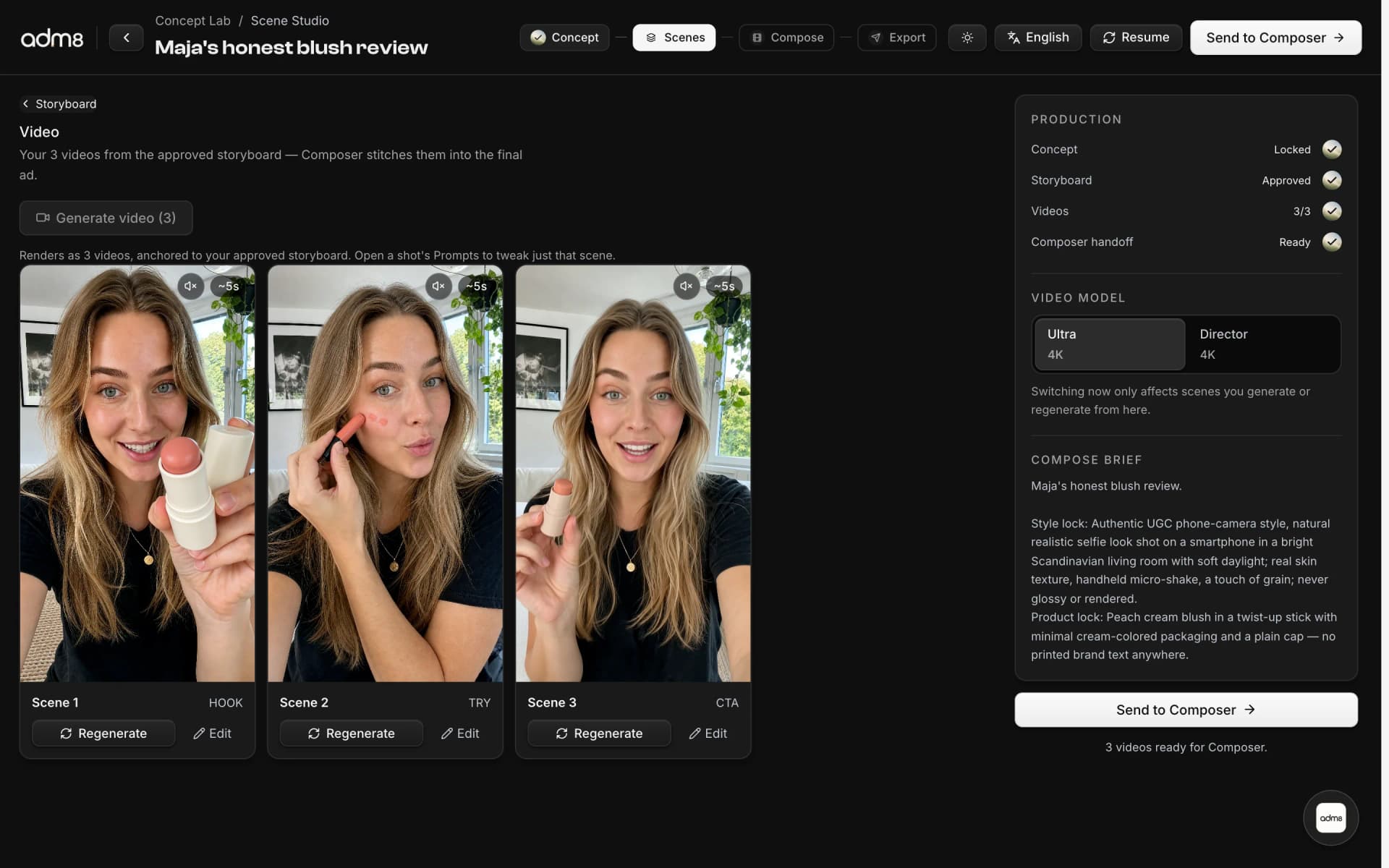
Scene Studio. Direct scene by scene.
per-scene control · re-roll one scene · up to 4K
Each scene renders as its own clip. Keep the good ones and re-roll just the bad one — per-scene edits and prompts, with 4K model tiers.
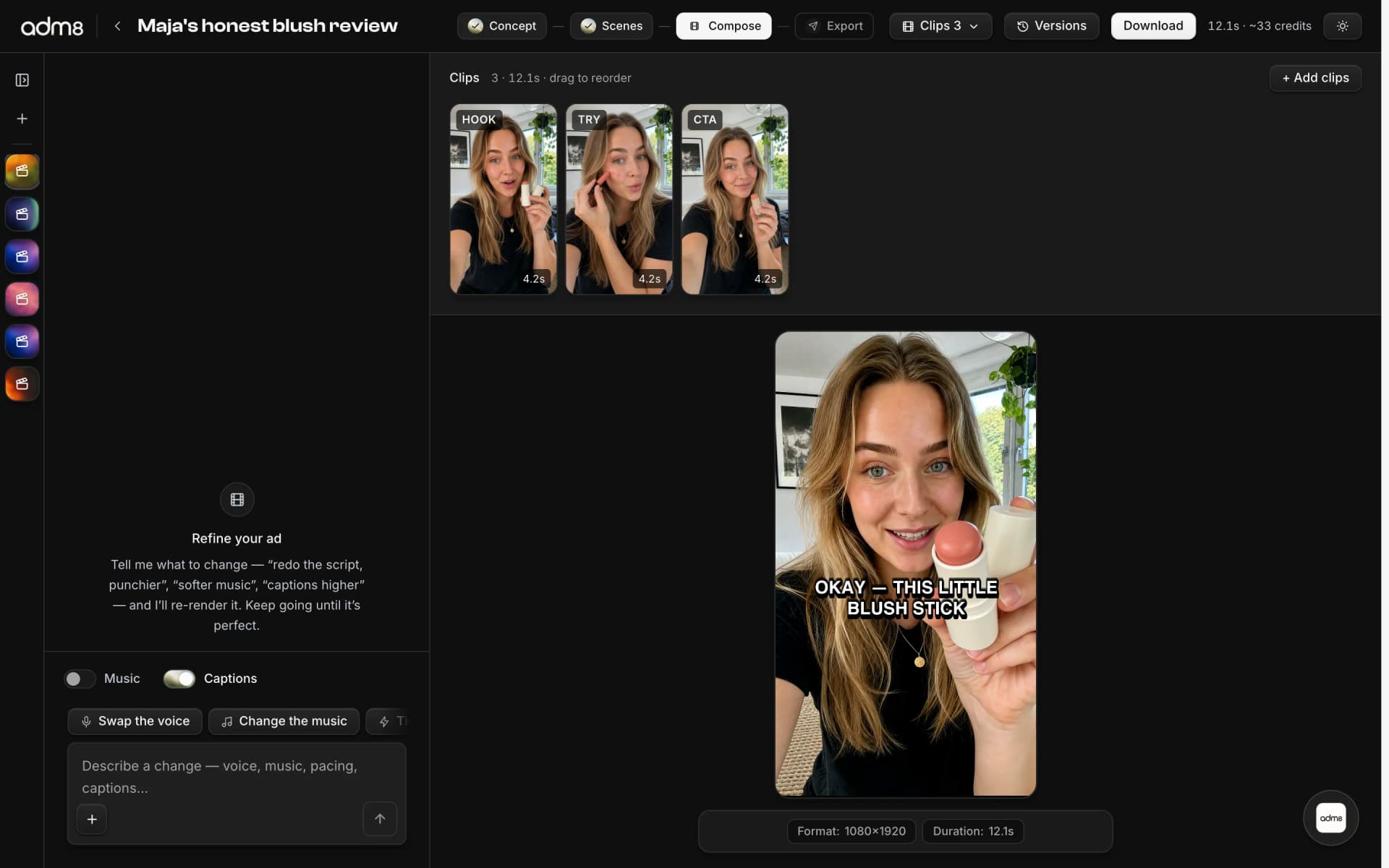
Composer. Refine until it ships.
voiceover · music · captions · chat edits
Scenes stitch into a finished ad — voiceover, music, and burned-in captions. Tell the chat what to change and it re-renders the cut.
Studio. For everything else.
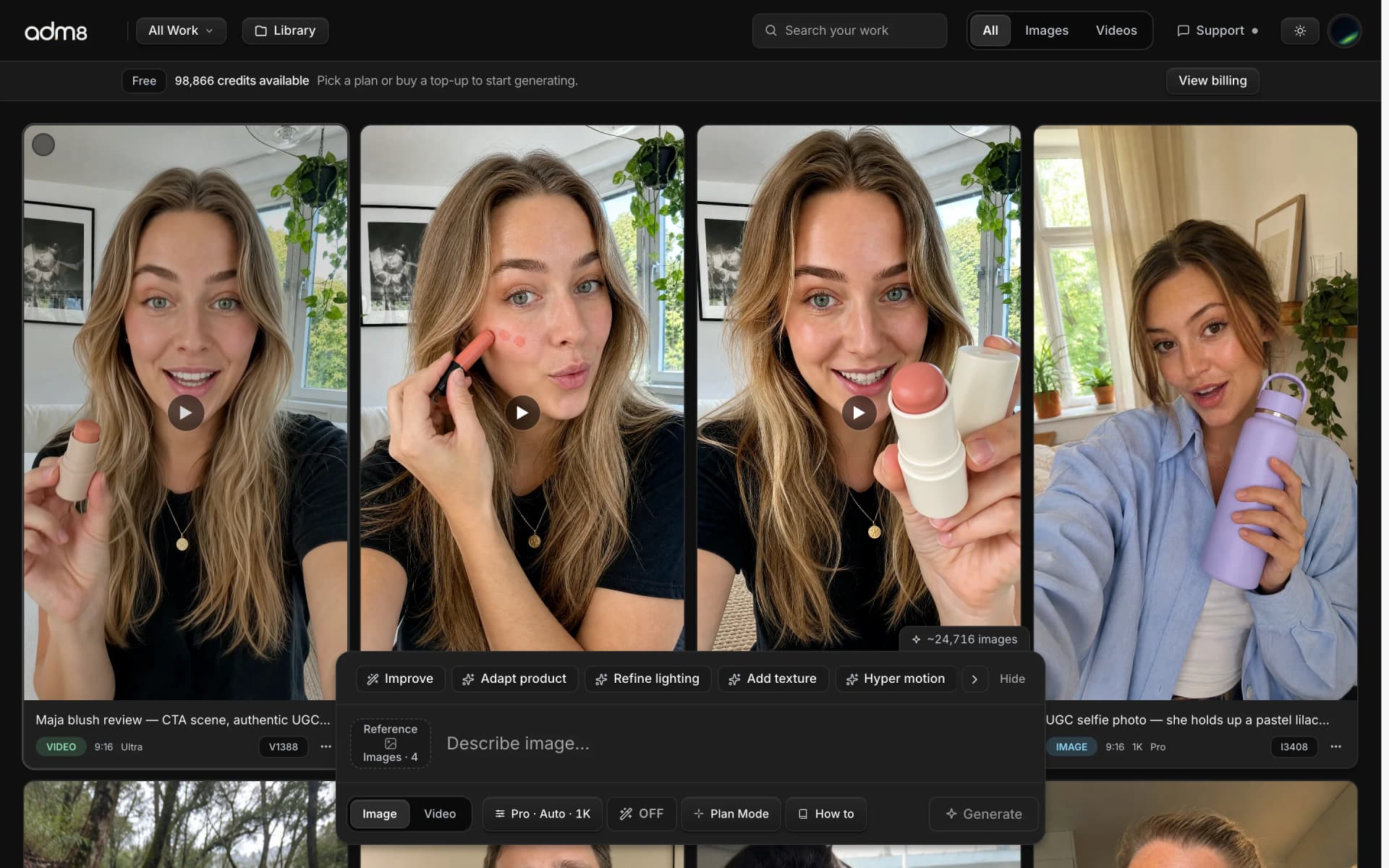
images & video · reference anything · one-click edits
The everyday surface for images and video: prompt it, reference your work, edit in place, and batch what performs.
Simple pricing
Your tools. Your monthly budget.
Every model and creative tool is included. Choose Pro for yourself or Business for your team, then choose your credits.
Pro
For individual creators. Choose your monthly credits.
$13.00/ month
Choose ProBilled monthly.
One account. Your own credit balance.
Included
- All models and production tools
- One user
- Credits carry over for one extra month
Business
For teams. Five users share one monthly credit budget.
$79.00/ month
Choose BusinessBilled monthly.
One shared credit pool. Five members included.
Included
- All models and production tools
- Five users included
- Shared workspace and credit pool
- Priority support
- Credits carry over for one extra month
Credits refill monthly, including on annual plans. Unused monthly credits last through the following month while your subscription stays active. All prices are USD, excluding applicable taxes.
Generation costs depend on model, duration and quality. The exact credit cost appears before you generate. Retakes and new versions use credits too.
Answers
Straight answers
before you start.
Product facts for anyone comparing tools before opening Studio.
What is adm8?
adm8 is a web-based AI creative studio for generating images, videos, product visuals, and ad variants from prompts, references, and brand assets.
Who is adm8 built for?
adm8 is built for brand teams, creators, agencies, and marketers who need visual content, campaign variants, and product creative without a slow production loop.
What can you create with adm8?
You can create AI-generated images, video ads, image-to-video clips, reusable library assets, and on-brand ad variants for social, product, and campaign work.
How does the adm8 workflow work?
Start with a prompt, brief, image reference, or brand asset, choose generation settings, render the creative, then refine it with edit paths such as enhance, draw, zoom out, and turn into video.
How does adm8 pricing work?
Choose Pro for one person or Business for a team of up to five, then choose your monthly credits. All models and creative tools are included. Generation costs vary by model, quality and duration and are shown before you generate. There is no unlimited generation.
How many videos can I make?
There is no fixed videos-per-plan allowance. Longer clips, higher quality, voiceover and retakes use more credits. Use the in-product estimate for your project before generating. Small plans work best for tests and short productions.
How does Business work?
Business includes five members in one workspace and one shared credit pool. The price shown is the total workspace price, not a price per person. Shared projects and priority support are included.
Do unused credits expire?
While your subscription remains active, unused monthly credits remain available through the following monthly credit period, then expire. Credits are used from the oldest expiring balance first. Access to plan credits ends when the paid subscription ends. Purchased top-up credits never expire.
What if I need more credits?
Buy 250 credits for $25, 500 for $50, or 1,000 for $100. Top-ups activate after payment, never expire, and do not require a subscription.
How does annual billing work?
Annual subscriptions save 10% compared with twelve monthly payments. The full annual total is shown before checkout. Credits are added monthly, not all at once.
Can I change or cancel my plan?
Yes. Use Manage subscription to cancel or manage payment details. Plan and credit-level changes take effect at the next billing period. Buy a top-up for more credits immediately. Cancellation stops the next renewal; access continues through the paid period. Existing subscriptions keep their terms until you actively switch.
How does the $1 trial work?
Eligible new customers can buy 75 credits for $1. Trial credits last seven days. The trial never turns into a subscription automatically.